Free Nationwide Delivery

Shipping time within 5 Business days

Secure Payment

We accept payment from all major credit / debit card including Pay Pal & Affirm (Pay over time)

100% Money Back

Shop risk-free with our 30 days free return & refund

Discount Available

Get in touch with us for exclusive discount coupons & more

Need Help?

Call – (833) 549-8588

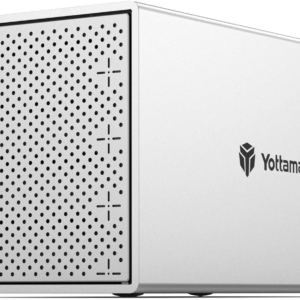
4 Bay External Hard Drive Enclosure, Aluminum USB3.0 3.5″ HDD Enclosure for 3.5 & 2.5 Inch SATA HDD/SSD, Support 72Tb(4X18Tb) Direct Attached Storage DAS, Non-Raid [PS400U3]

$193.59

Brand:

SKU: f798ff11-1430-4d94-b765-f0560f5d5666 Categories: ,
4 Bay External Hard Drive Encl...

$193.59

30 in stock

Worldwide Delivery

Ship to over 200 regions and countries.

Secure Payment

Pay with the world most payment methods.

100% Money Back

30 days return policy & guarantee also.

Discount Available

Protect covers payment purchase Gifts.

Need Help?

(+123) 456 555 789
(+123) 666 202 888
  • 【Reliable External Storage System for Individuals】This 4 bay hdd enclosure support up to 64TB external expanded storage. The front door adopt user-friendly PUSH Design for easy install and replacement of hard drives. It is an ideal choice for personal storage at home and office. It can support different drive type(s)-2,5″/3,5″ SATA HDD/SSDs, so you can take advantage of your hard drives’ potential fully.
  • 【64TB Large Storage Capacity 】The 4 bay hard drive enclosure can house up to 4 hard drives, single disk support up to 16TB. Such Large capacity supported let you handle various work demands easily, like digital imaging, video production/editing, duplicating footage, create and manage archives.
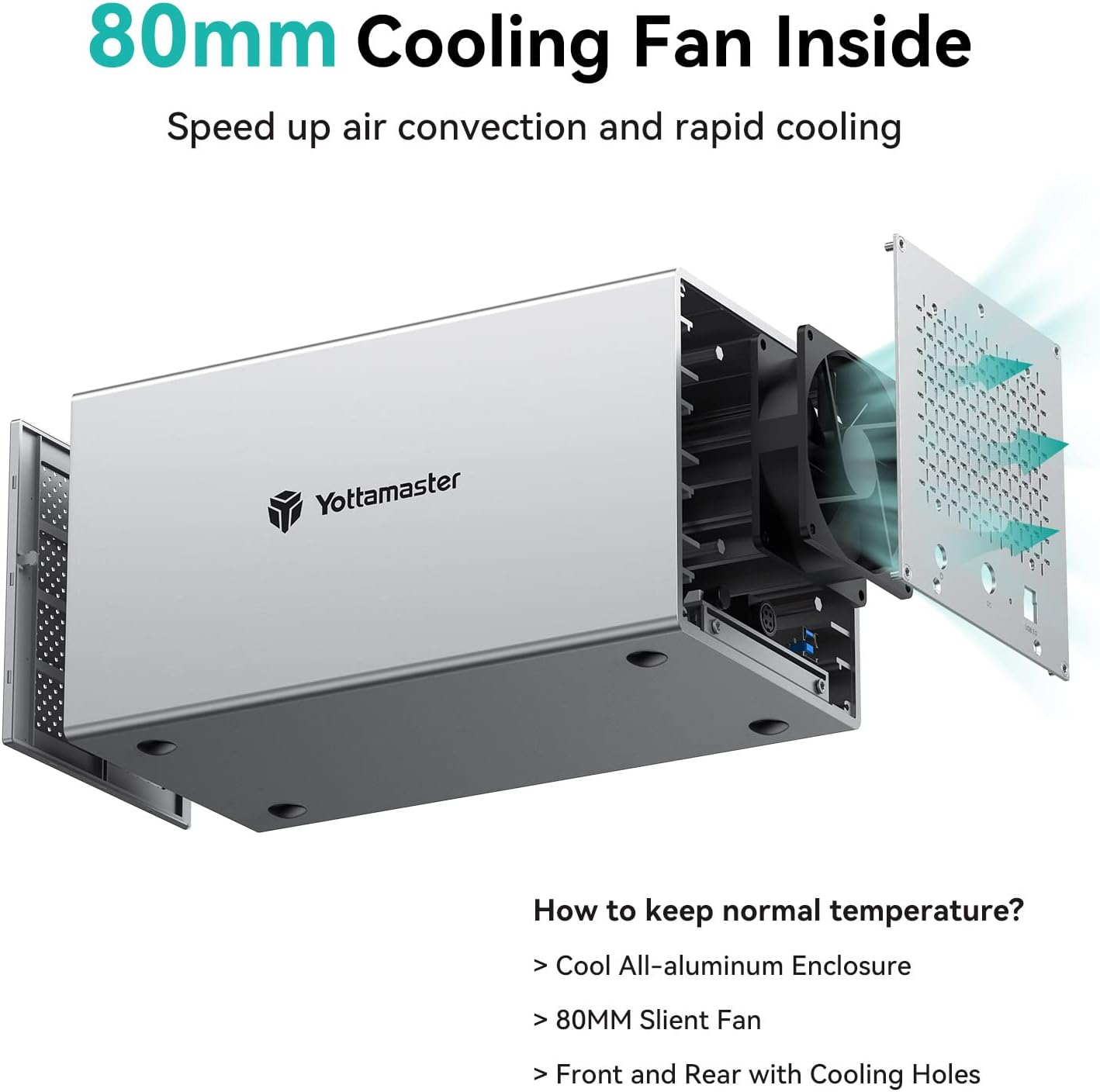
  • 【Aluminum-Alloy Enclosure & 80mm Silent Fan】The 4 bay sata enclosure built with rugged heat-dissipating aluminum shell, front and rear with cooling holes, a 80mm intelligent temperature control fan inside can effectively accelerate air convection and rapid cooling. The fan adjusts its speed automatically based on the hard drive’s temperature, providing optimal cooling with low noise.
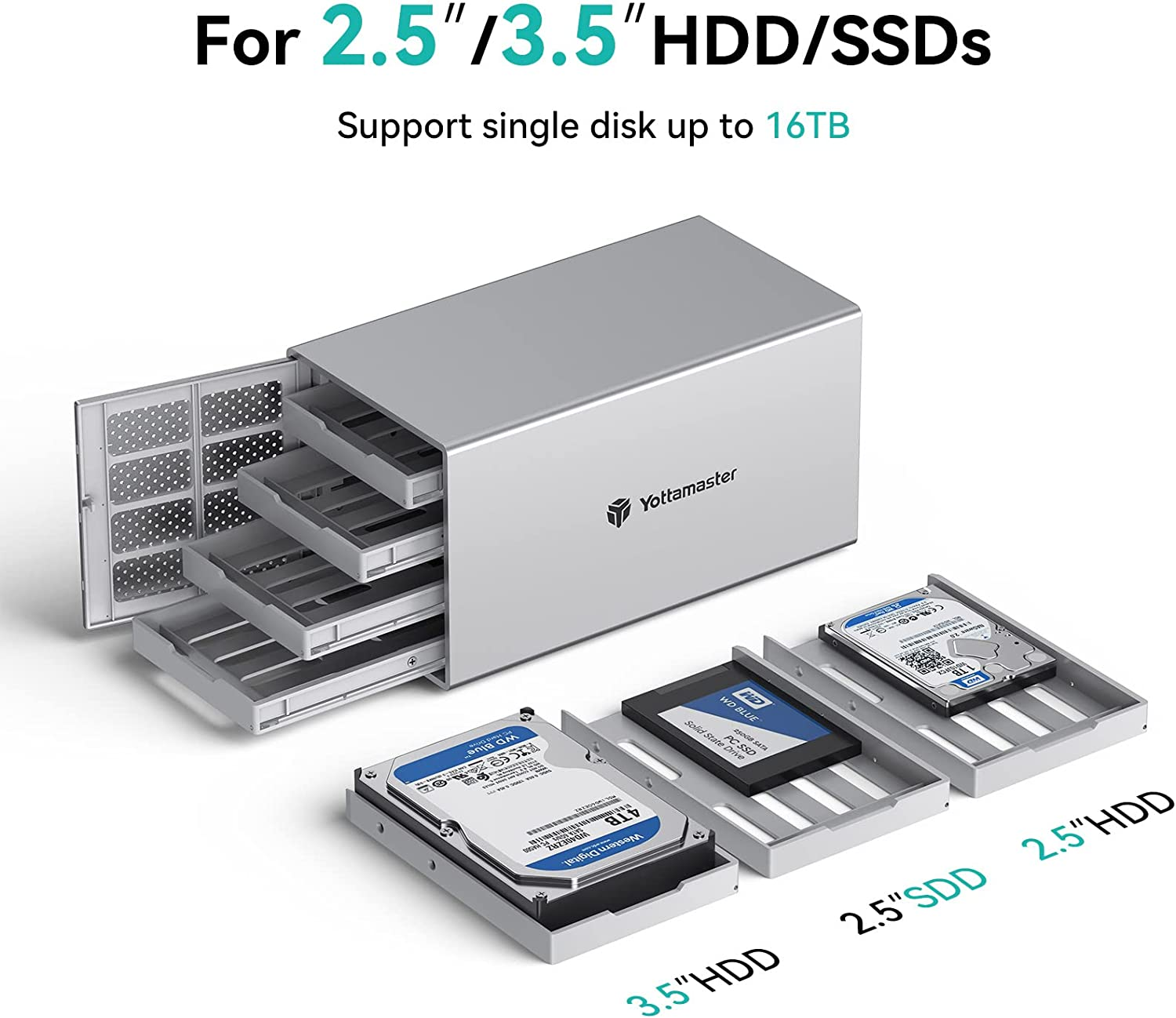
  • 【For 2.5″/3.5″ SATA HDD & SSD】Yottamaster 4 bay USB3.0 HDD enclosure designed for both 2.5 inch SATA and 3.5 inch SATA HDD/SSDs. It comes with 4 removeable trays, allowing for easy installation and replacement of either the large desktop hard disk drives or the portable laptop drives and SSD’s.The included screws securely fix the hard drives to the trays, effectively protecting them from shock and interface damage.
  • 【6Gbps Transfer Rate】This 4 bay hdd enclosure adopt SATA III protocol, transfer rate up to 6Gbps (MAX). Equipped with a versatile USB3.0 Type-B interface to connect other peripheral devices. Compatible with Windows, Mac and Linux systems.
  • 【Hard Drive Usage Note】If you are using a brand new hard drive, it may need to be formatted and partitioned before it can be recognized by the computer. Please remember to back up your data.
  • 【Important Note】This model is a non-RAID version and does not support hardware RAID. If you wish to set up RAID, you can only set up software RAID with the tools in your system. For instance, Mac OS users can utilize the RAID Assistant in Disk Utility. The RAID Manager software is compatible with RAID version enclosures only.

Product Description

Yottamaster 4 Bay USB3.0 Hard Drive Enclosure

The PS400U3 is NOT a NAS, it is a DAS and does NOT support RAID

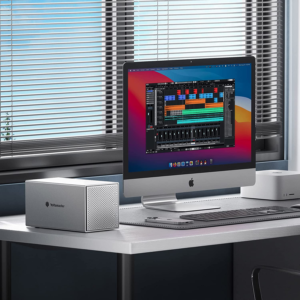
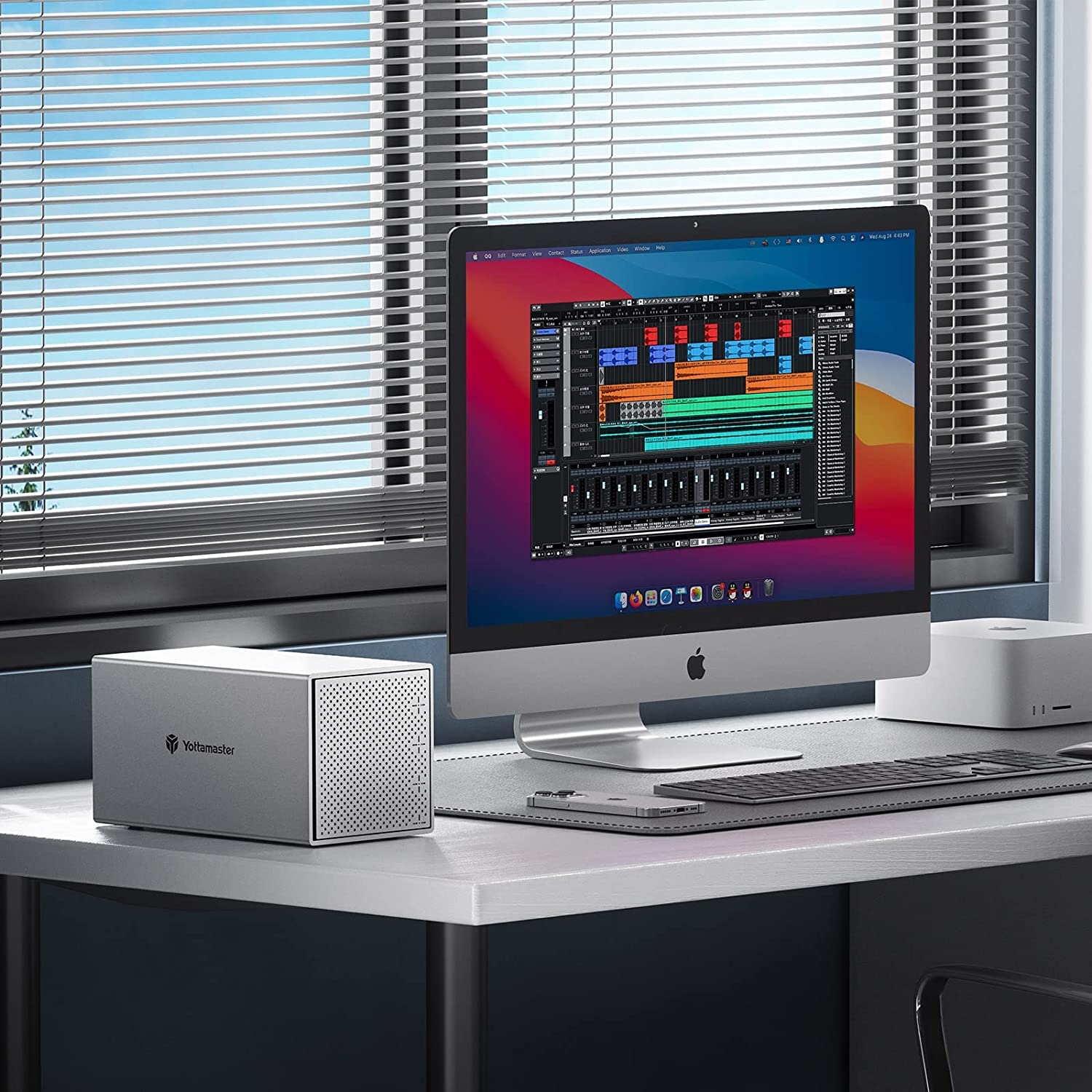
  • If you are looking for something solid to house your growing need for external drives. And if you want one enclosure that could house them all instead of having multiple drives hanging off the back of your iMac. Yottamaster Y-Pioneer Series enclosure will be works perfectly for you.
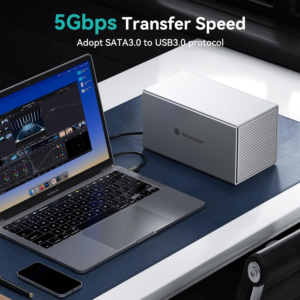
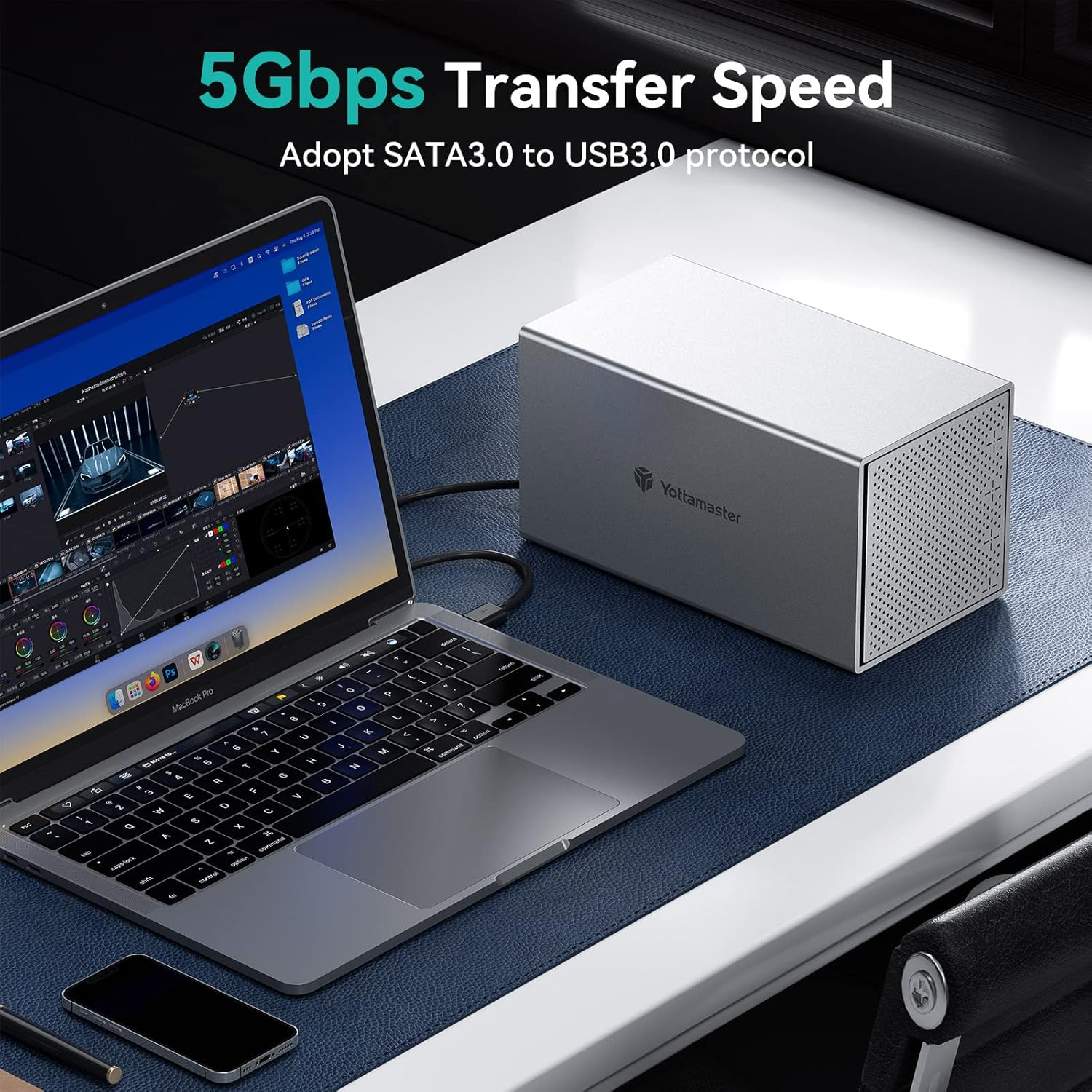
  • The Y-Pioneer Series of disk stations are Yottamaster’s high-end storage products, with aluminum-magnesium alloy body and anodizing surface,a kind of excellent design; USB 3.0 interface with USB3.0 to SATA3.0 6Gbps program.
  • Supporting USB 3.0 5Gbps high speed trasmission; Yottamaster disk station will bring you a different product experience with a new design.

Warm Reminder

The device needs to be connected directly to your computer. WHY?–If you use a usb hub, the device is likely to be disconnected frequently due to insufficient power supply or even unrecognized by the computer.

What You’ll Get

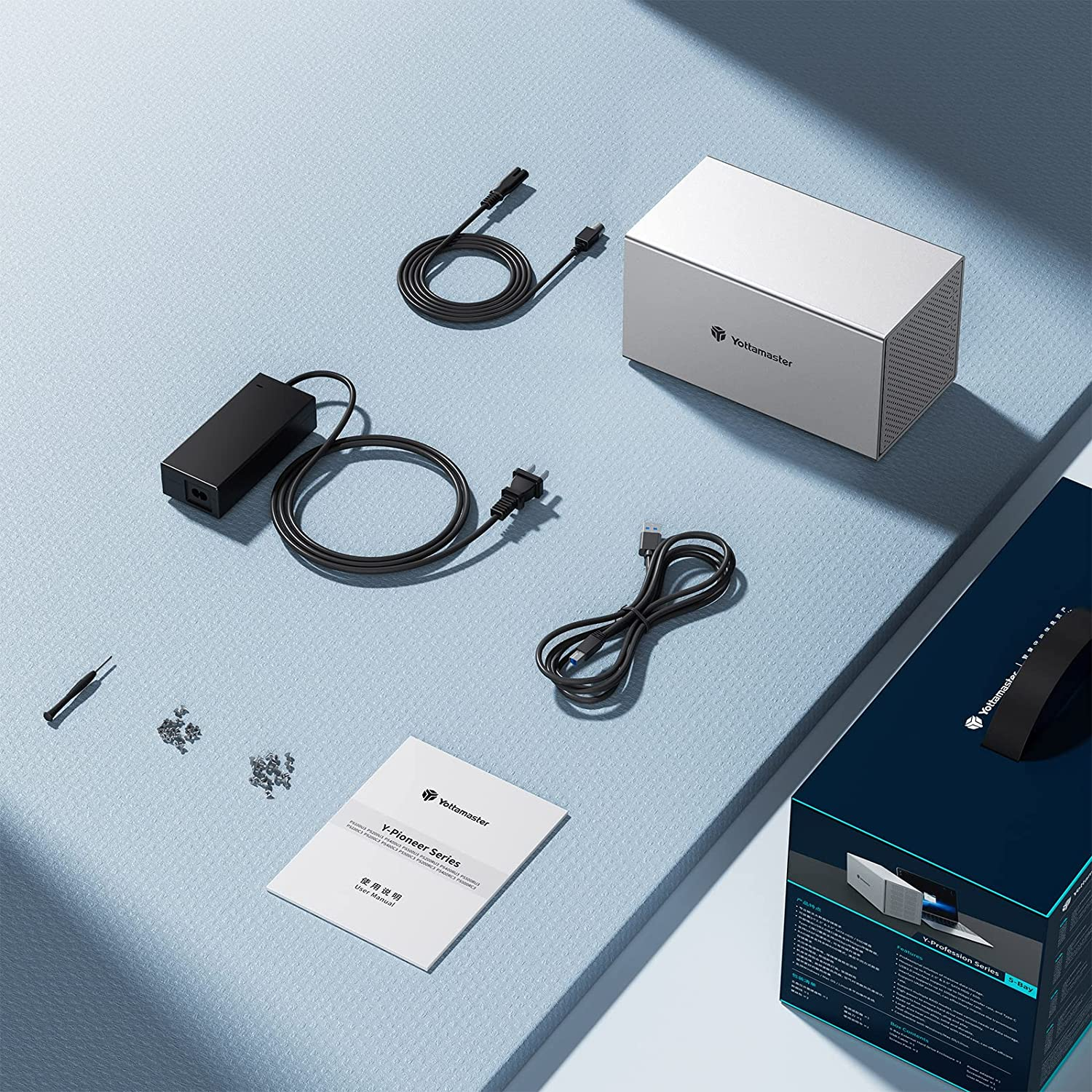
  • 1 x 4 Bay USB 3.0 Hard Drive Enclosure
  • 1 x USB 3.0 Cable
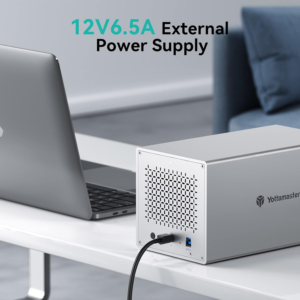
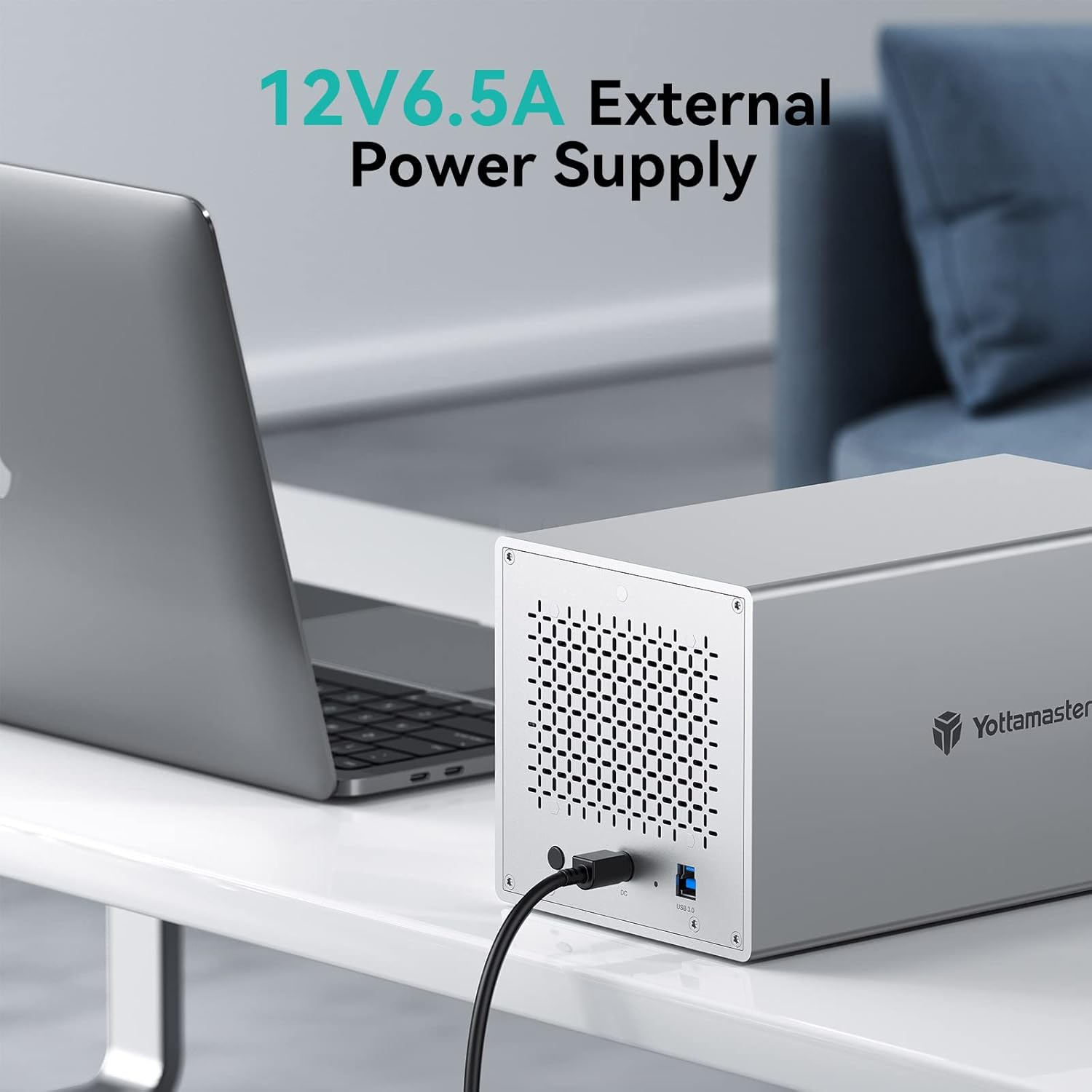
  • 1 x 12V 6.5A Power Adapter
  • 1 x Screwdriver kit
  • 1 x Product Manual
  • 1 x Service Card.

Yottamaster 4 Bay USB3.0 HDD Enclosure for 2.5″/3.5″ SATA HDD/SSDs – 4 X 16TB

Troubleshooting Guide More FAQs, please download the Troubleshooting Guide (PDF) at Product Guides and Documents below.
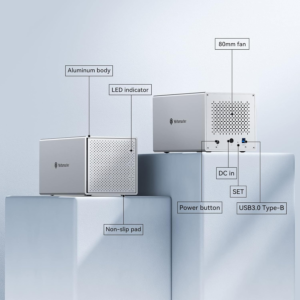
Structure Yottamaster desktop storage is a flexible storage solution with solid aluminum alloy body and anodizing surface.
Main Feature – Single disk support up to 16TB, – Support Windows/MAC/Linux Systems, -PUSH design allows you to replace the hard drive more conveniently, -USB3.0 to SATA 3.0 6Gbps Transfer Speed. Backwards compatible with USB2.0/1.1.
*IMPORTANT Be sure to pay attention to the difference is the screw types (wider threads secure drive to sled; tighter threads secure sled to enclosure),Make sure you have the right ones for your drives before starting.

Important Information—Precautions for Power Supply Plug

Please refer to the picture attached to insert the plug as the indicated direction, or the enclosure won’t work properly if the plug is inserted in a wrong direction.

Make sure that the flat end of the power connector is facing up.

Install 2.5″/3.5″ HDD/SSD

No need to buy different hdd cases for different sizes of hard drive.

  • 2.5″ HDD: fixed with 4 screws at the bottom.
  • 3.5″ HDD: fixed with 4 screws on both sides.

Better Heat Dissipation Performance

Keep your HDD/SSD in normal temperature.

  • Cool all-aluminum enclosure.
  • Air convection cooling duct design.
  • Front and rear with large area cooling holes.
  • 80 mm silent fan speed up convection and rapid cooling.

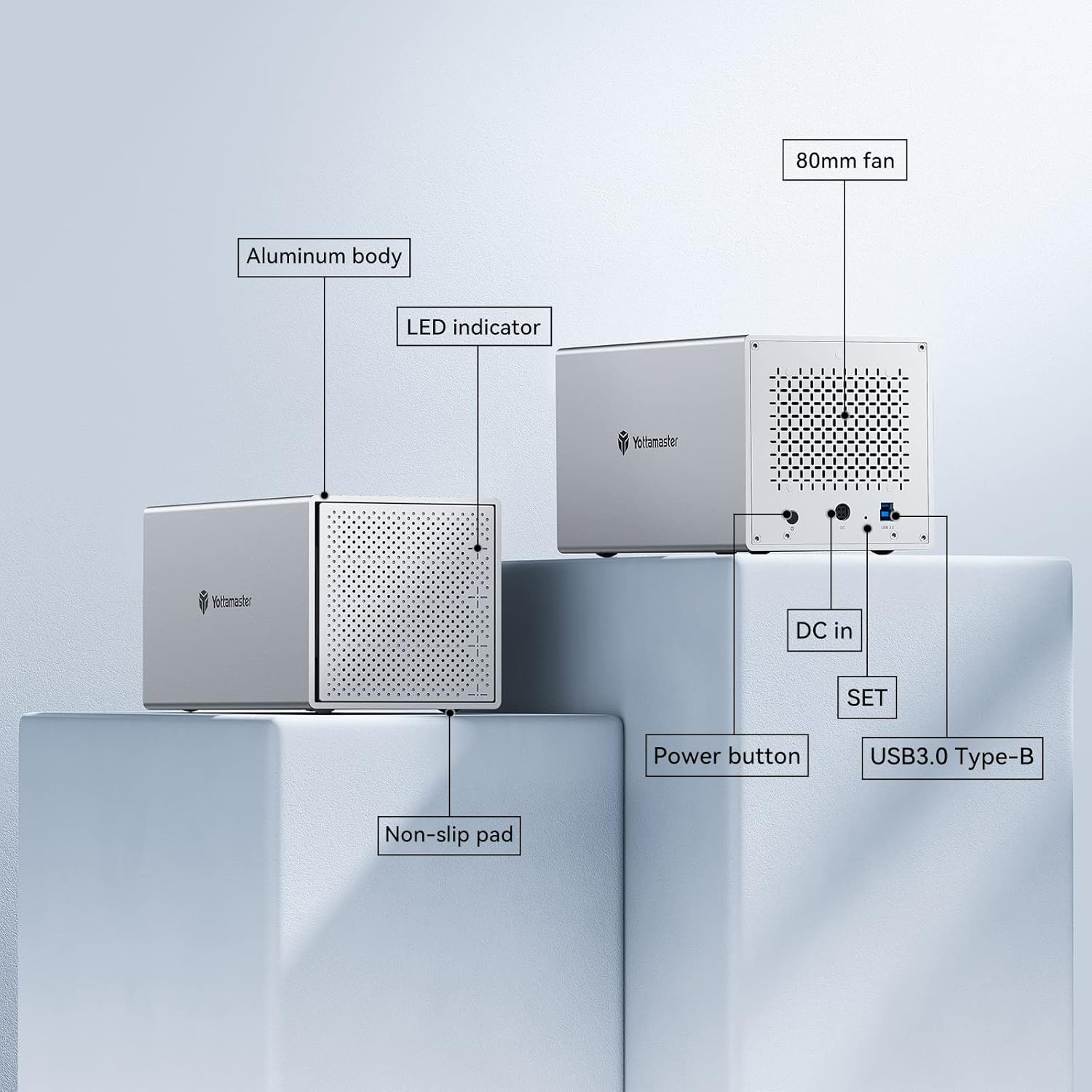
LED indicator shows working state

Four indicator lights monitor the status of each disk.

  • Blue light: Power on
  • Blue light flashing: Reading data
  • Red light: Hard drive error

Troubleshooting Guide

  • Q: How do i know if one of the hard drive is failed?

If one of the drives is damaged/failed, the corresponding indicator will turn red and the enclosure will make a warning sound(beep).

  • Q: How to Replace A Hard Drive?

If you want to replace one of the drives in the enclosure with a new one, or one of the drives is damaged/failed, please take following steps:

1. Find the drive(bad one or the one you wanna replace). Eject the enclosure from the computer and then power off the enclosure.

2. Pull out the drive. Format the new drive on another device first. Then insert the new drive to the original position and turn on the enclosure.

  • Q: How to add a new hard drive into the enclosure?

1. Safely eject the enclosure from your computer and then turn off the enclosure.

2. If the drive you want to add is a brand new drive, please format it on another device. Then insert it into the enclosure. Do not change the drive order.

  • Q: Can I connect the device to the computer through a hub?

We recommend that you connect the device directly to the computer, as the connection may be unstable through a hub.

  • Q: What are the specification of the fan?

The diameter is 80mm, the voltage is 12V, and there is no current limit. 2 PIN.

More FAQs, please download the Troubleshooting Guide (PDF) at Product Guides and Documents below.

Reviews

There are no reviews yet.

Be the first to review “4 Bay External Hard Drive Enclosure, Aluminum USB3.0 3.5″ HDD Enclosure for 3.5 & 2.5 Inch SATA HDD/SSD, Support 72Tb(4X18Tb) Direct Attached Storage DAS, Non-Raid [PS400U3]”

Your email address will not be published. Required fields are marked